

 Suomi
Suomi
 Polski
 Svenska
 Deutsch
 Dansk
Dansk
 Italiano
Mitsubishi read out
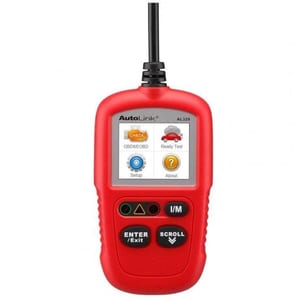
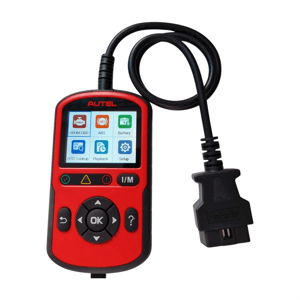
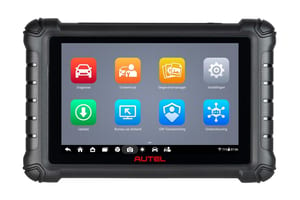
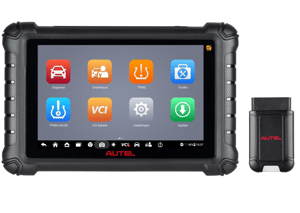
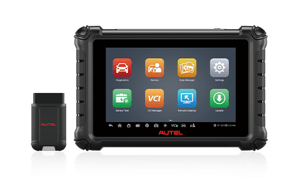
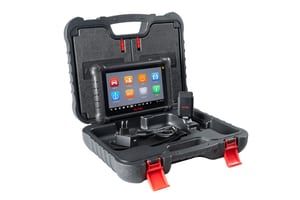
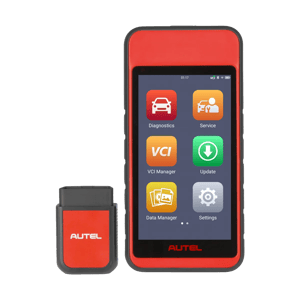
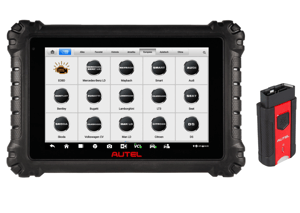
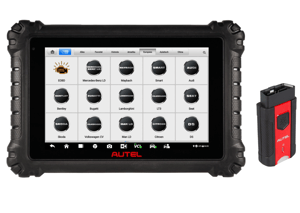
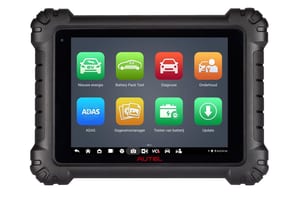
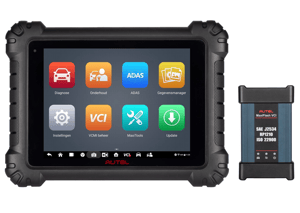
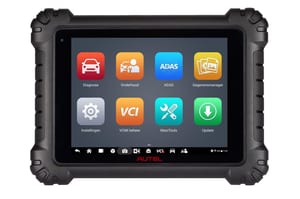
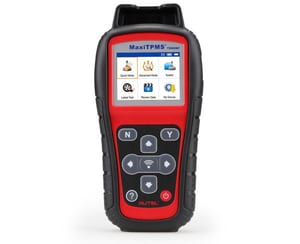
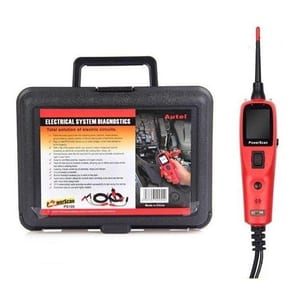
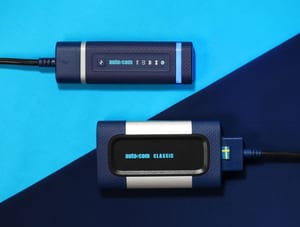
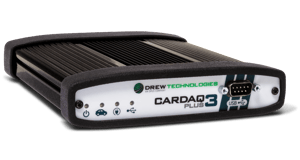
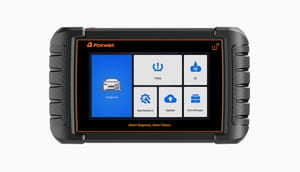
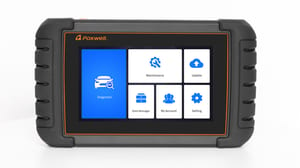
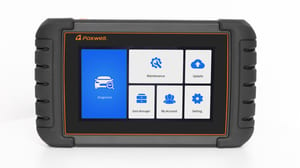
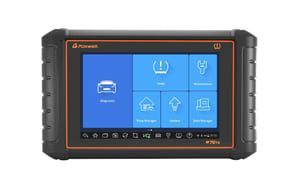
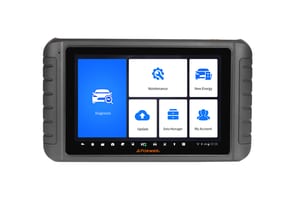
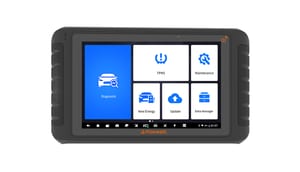
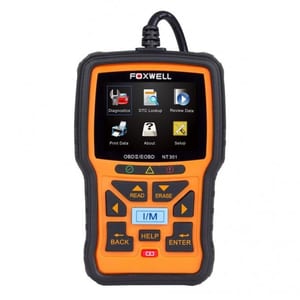
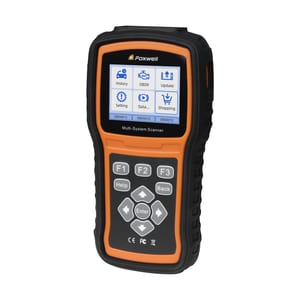
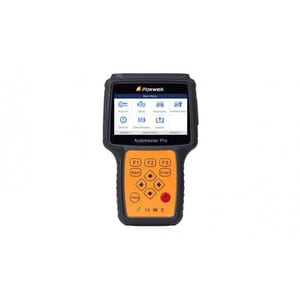
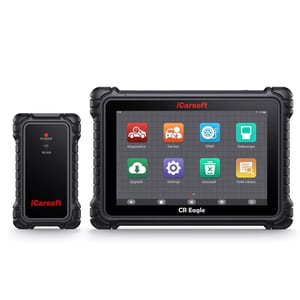
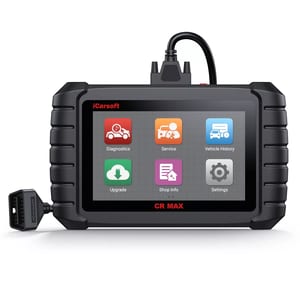
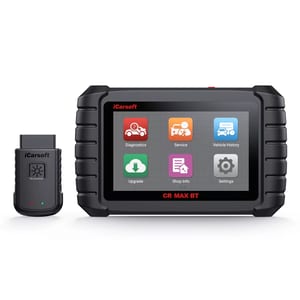
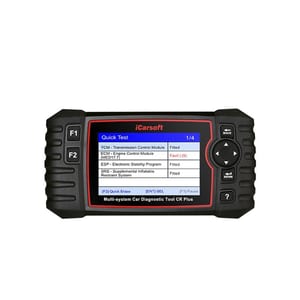
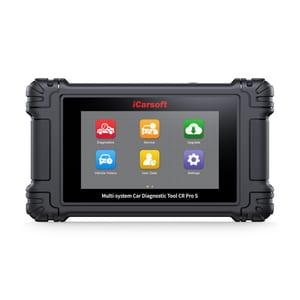
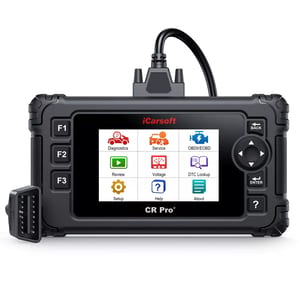
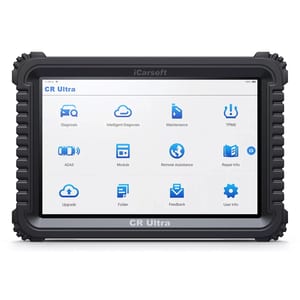
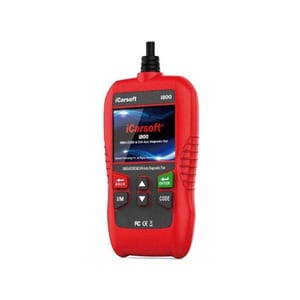
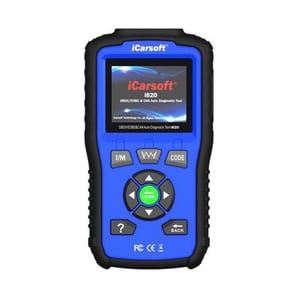
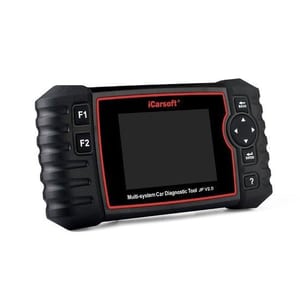
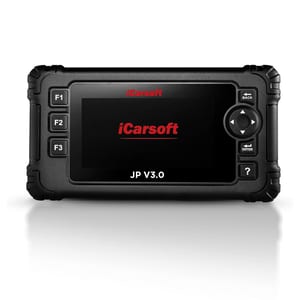
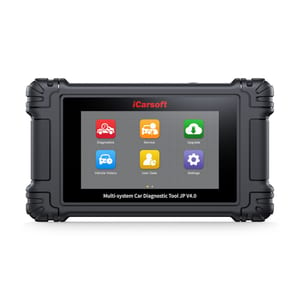
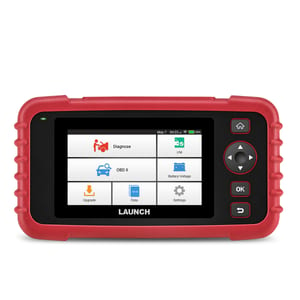
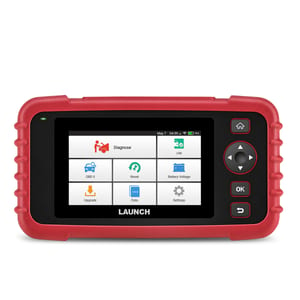
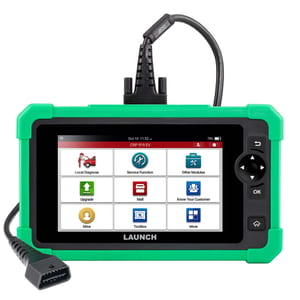
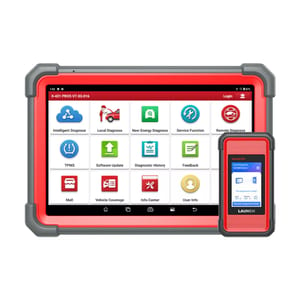
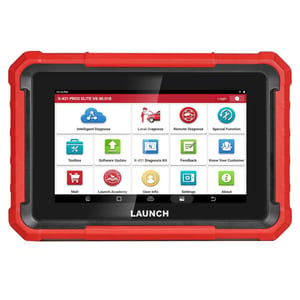
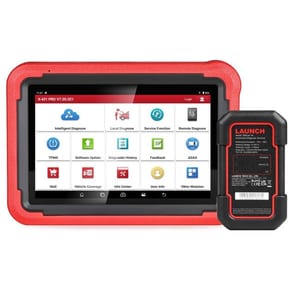
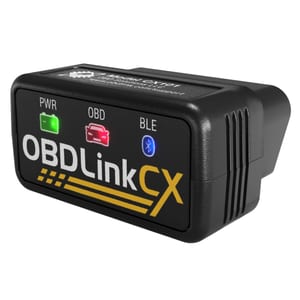
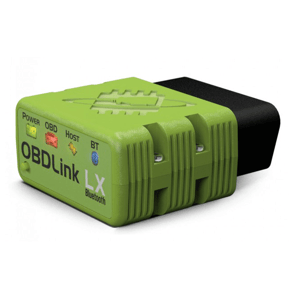
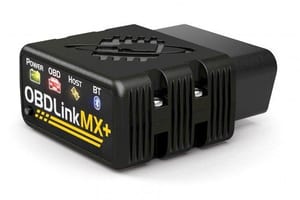
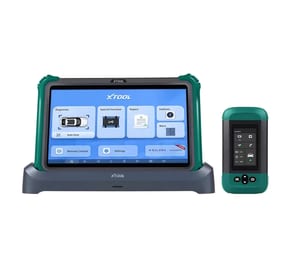
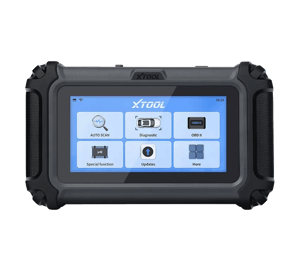
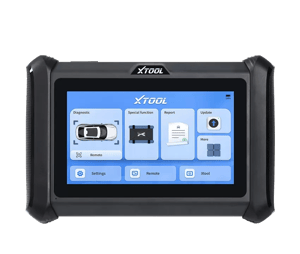
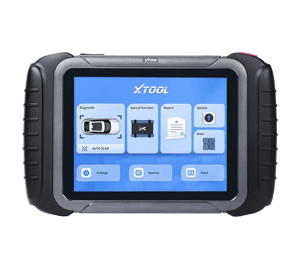
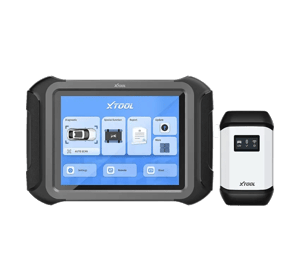
OBD (On-Board Diagnostics) readers are a smart bridge between you, the driver, and your Mitsubishi's internal systems. These devices are designed to communicate with your car's on-board computer to access a wealth of information you wouldn't otherwise know. Think data such as engine temperature, fuel levels, speed, emission control systems and more. This data is presented in understandable form through an app or screen that comes with the readout equipment.
Can I use OBD equipment myself?
You no longer have to depend on a mechanic to determine what's wrong with your Mitsubishi. These readers are designed with ease of use in mind, so seasoned car enthusiasts as well as those with limited technical knowledge can work with them.
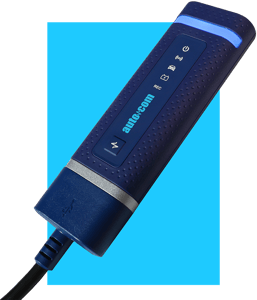
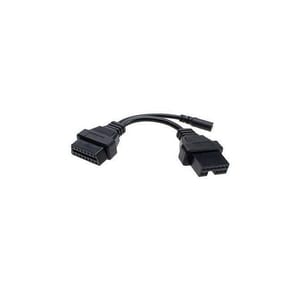
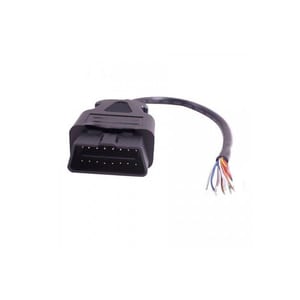
To use your OBD reader, it is usually sufficient to plug it into the OBD-II port of your Mitsubishi. This port is usually found under the steering wheel or dashboard. Once plugged in, the device begins communicating with the on-board computer and information is displayed in an understandable way on the device's screen or in the corresponding app on your smartphone.
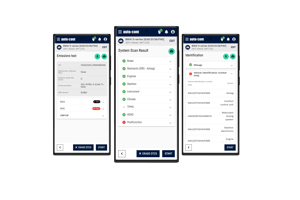
Most OBD readers come with intuitive software that makes it easy to navigate through the data and understand what it means. You can find information about the status of the engine, transmission, emissions, fuel efficiency and more. If problems arise, the readout equipment will often display fault codes that you can look up in the manual or online to learn more about the problem and possible solutions.
Questions?
If you still have questions don't hesitate to contact us. We are happy to give personal advice.